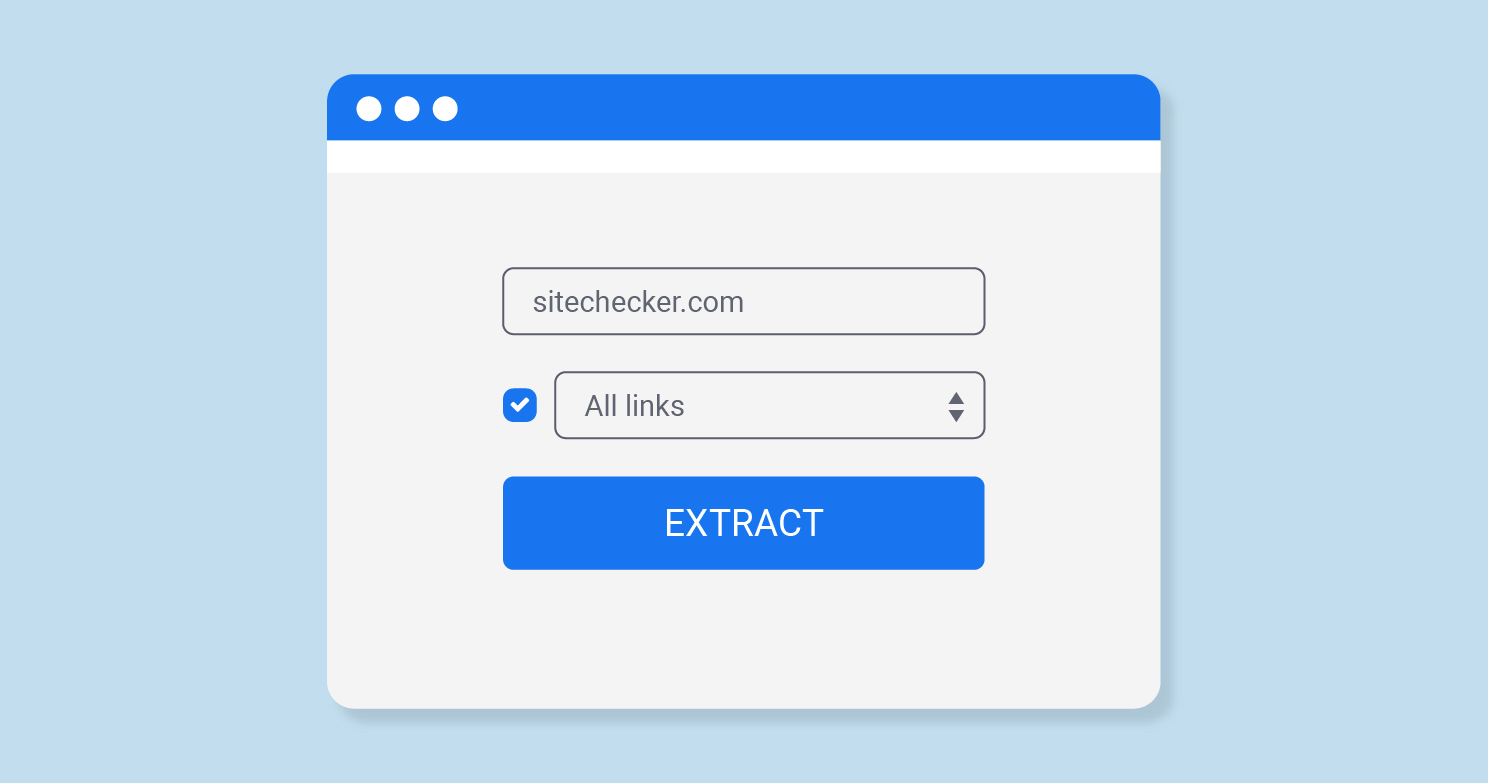
Knowing how to clean and extract clean URLs from bulk text is an essential skill for anyone performing technical SEO audits. Whether you are pulling URLs from sitemaps, log files, backlink exports, or scraped content, you need a reliable process to isolate valid URLs and remove everything else.
Raw data almost never comes ready to use. You will encounter text files filled with HTML, JavaScript code, duplicate URLs, tracking parameters, relative paths, and completely invalid strings that look nothing like URLs. Cleaning this data manually is impossible at scale.
This guide will teach you how to extract and clean URLs from bulk text efficiently. You will learn manual methods using spreadsheets and regular expressions, plus automated solutions like the SEOGuy URL Extractor that handles everything instantly.
This guide covers why URL extraction matters for SEO audits, how to manually extract URLs using regex and spreadsheets, how to clean and normalize URLs (remove parameters, deduplicate, fix relative paths), and how to use our free URL Extractor tool for bulk processing.
Why URL Extraction Matters for SEO Audits
URL extraction is the process of identifying and pulling valid URLs from unstructured or semi-structured text. In SEO, you will need this skill for several common tasks.
Common use cases for URL extraction
- Sitemap analysis — Extracting URLs from XML sitemaps to verify which pages are submitted to Google
- Backlink audits — Cleaning exported backlink data to isolate linking URLs and evaluate link quality
- Log file analysis — Extracting requested URLs from server logs to see which pages Googlebot actually crawls
- Competitor research — Pulling URLs from scraped competitor sitemaps or page content
- Broken link checking — Extracting URLs from large lists to test for 404 errors
- Redirect mapping — Cleaning URL lists before and after site migrations
Without proper extraction and cleaning, you will waste hours on manual data cleanup or, worse, make SEO decisions based on inaccurate, duplicate, or invalid URLs.
A typical backlink export might contain 10,000 rows — but only 6,000 are unique, valid URLs. The rest are duplicate entries, broken links, or completely non-URL text. Analyzing dirty data leads to incorrect conclusions about link equity, crawl budget, and indexation rates.
Understanding URL Structure Before Cleaning
To clean URLs effectively, you need to understand what a valid URL looks like and which components you may want to keep or remove.
Components of a URL
https://www.example.com:443/blog/post?utm_source=google#section
┬      ┬    ┬      ┬    ┬      ┬          ┬              ┬
|      |    |      |    |      |          |              └─ Fragment (anchor)
|      |    |      |    |      |          └─ Query parameters
|      |    |      |    |      └─ Path
|      |    |      |    └─ Port
|      |    |      └─ Domain
|      |    └─ Subdomain
|      └─ Second-level domain
└─ Protocol
What makes a URL "clean"?
A clean URL is one that is canonical, free of tracking parameters, properly encoded, and ready for analysis or submission to SEO tools. Cleaning typically involves:
- Removing query parameters — ?utm_source, ?ref, ?session_id, ?fbclid
- Lowercasing domains and paths — Example.com/Page → example.com/page
- Removing trailing slashes consistently — Choose one format (with or without) and apply uniformly
- Decoding percent-encoded characters — %20 becomes space (or remove spaces entirely)
- Converting relative URLs to absolute — /about becomes https://example.com/about
- Removing duplicate URLs — Same URL appearing multiple times in a list
Always clean URLs before submitting them to any SEO tool — including the SEOGuy SEO Analyzer. Dirty URLs with tracking parameters or duplicates will skew your audit results and waste API calls.
Manual URL Extraction Using Regular Expressions
Regular expressions (regex) are patterns that match specific text structures. A well-crafted regex can extract URLs from almost any text format.
Basic regex pattern for URLs
This pattern matches most standard URLs (http, https, and www variants):
https?:\/\/(?:www\.)?[-a-zA-Z0-9@:%._\+~#=]{1,256}\.[a-zA-Z0-9()]{1,6}\b(?:[-a-zA-Z0-9()@:%_\+.~#?&\/\/=]*)
How to use regex in different tools
- Google Sheets: Use =REGEXEXTRACT(A1, "https?://[^\s]+") to pull the first URL from a cell
- Excel: Requires VBA or Power Query for regex (Excel's built-in functions do not support regex natively)
- Notepad++: Use Find & Replace with "Regular expression" mode to search and extract
- Command line (grep): grep -oE 'https?://[^\s"]+' file.txt > urls.txt
- Python: import re; re.findall(r'https?://[^\s]+', text)
No single regex pattern catches 100% of valid URLs while excluding 100% of invalid text. URLs can contain unusual characters, protocols (ftp://, mailto:), or be embedded in JavaScript or JSON. Always review extracted results and adjust your pattern based on your specific data source.
Step-by-step: Extract URLs from text in Google Sheets
- Paste your raw text into column A of a Google Sheet (one cell or multiple rows)
- In column B, enter:
=REGEXEXTRACT(A1, "https?://[^\s]+") - Drag the formula down to apply to all rows
- Copy column B and paste as values to remove formulas
- Use Data > Remove duplicates to clean the list
Cleaning and Normalizing Extracted URLs
Extraction is only half the work. Once you have a list of URLs, you must clean and normalize them for accurate analysis.
1. Remove tracking parameters
Common tracking parameters to strip from URLs:
utm_source,utm_medium,utm_campaign,utm_term,utm_contentfbclid,gclid,msclkid,ref,sourcesession_id,sid,click_id
Remove everything after the first ? for canonical URLs, or selectively remove specific parameters using regex or URL parameter stripping tools.
2. Convert relative URLs to absolute
Relative URLs like /blog/post or ../about must be converted to absolute URLs by prepending the domain and base path. This requires knowing the source domain or using a tool that resolves relative paths.
Original (relative): /blog/seo-tips
Absolute (correct): https://example.com/blog/seo-tips

Original (root-relative): /about
Absolute: https://example.com/about

Original (full): https://example.com/page — already absolute, no change needed.
3. Remove duplicates
Duplicate URLs are common in exported data. Use spreadsheet "Remove duplicates" functionality or command-line tools like sort urls.txt | uniq > clean-urls.txt to deduplicate.
4. Normalize case and trailing slashes
- Convert all URLs to lowercase:
Example.com/Page→example.com/page - Choose a trailing slash policy: either always include or always remove, then apply consistently
- Decode percent-encoded characters:
%20→ space, or remove spaces entirely with dashes
Fragments (the part after #) are not sent to the server and are ignored for canonicalization. Remove them when cleaning URLs for crawl analysis, but keep them when analyzing anchor link targets or single-page application routes.
Automated URL Extraction with SEOGuy URL Extractor
Manual extraction using regex and spreadsheets works for small datasets but becomes impractical for large-scale audits. The SEOGuy URL Extractor automates the entire process.
How the URL Extractor works
- Paste your bulk text (up to 1MB) into the tool
- Click "Extract URLs" — the tool scans for all valid HTTP/HTTPS URLs
- Review the extracted list — duplicates are automatically removed
- Copy the cleaned URL list for use in other SEO tools
What the URL Extractor handles automatically
- Extracts URLs from HTML, JSON, CSV, plain text, and log files
- Removes duplicate URLs instantly
- Strips common tracking parameters (UTM, fbclid, gclid, ref, etc.)
- Optionally removes query parameters entirely
- Converts relative URLs to absolute when a base URL is provided
- Excludes common non-URL patterns (email addresses, file paths without domains)
Use the extracted URL list as input for the SEO Analyzer to audit hundreds of pages at once. Or feed cleaned URLs into the Meta Tag Generator to find pages missing titles or descriptions.
Batch Processing URLs for Site Audits
Once you have a clean, deduplicated list of URLs, you can process them in bulk to answer important SEO questions.
What to do with extracted URLs
Workflow: From raw text to actionable audit
- Gather raw data — sitemap XML, backlink CSV, log file, scraped content
- Extract URLs using SEOGuy URL Extractor or regex
- Clean URLs — remove parameters, duplicates, invalid entries
- Convert relative URLs to absolute (if needed)
- Run cleaned URLs through SEOGuy SEO Analyzer
- Export audit results and prioritize fixes
Extract and Clean URLs in Seconds, Not Hours
Stop wasting time manually cleaning URL data. Use the SEOGuy URL Extractor to pull valid URLs from any text — sitemaps, log files, backlink exports, or scraped content. Free, no sign-up required.
Try the URL Extractor FreeTools You Can Use on SEOGuy.Online
These free tools integrate with URL extraction to power complete technical SEO workflows:
Key Takeaways
- URL extraction is the process of identifying and pulling valid URLs from unstructured text — essential for sitemap analysis, backlink audits, and log file processing.
- Manual extraction using regular expressions works for small datasets but becomes impractical at scale.
- A clean URL has no tracking parameters, consistent case and trailing slashes, and is deduplicated.
- Always remove UTM parameters, fbclid, gclid, and other tracking strings before analysis.
- Convert relative URLs to absolute URLs using the source domain or a URL resolver tool.
- The SEOGuy URL Extractor automates extraction, cleaning, and deduplication for bulk text up to 1MB.
- Use extracted URLs as input for the SEO Analyzer to audit hundreds of pages at once.
- Common use cases: sitemap validation, broken link checking, redirect mapping, and indexation analysis.
- Dirty URL data leads to incorrect SEO conclusions — always clean before analyzing.
- Combine URL extraction with robots.txt generation and meta tag optimization for complete technical SEO workflows.
Knowing how to clean and extract clean URLs from bulk text separates efficient SEO professionals from those who drown in manual data cleanup. Start with the SEOGuy URL Extractor for instant results, then feed your cleaned URL lists into the SEO Analyzer to uncover technical issues across hundreds of pages in minutes.
Frequently Asked Questions
grep -oE 'https?://[^\s"]+' file.txt > urls.txt. For smaller files (under 1MB), the SEOGuy URL Extractor is easier and includes automatic cleaning and deduplication. For moderate-sized files, Google Sheets with REGEXEXTRACT works but slows down past a few thousand rows.
https://example.com/blog/post. A relative URL omits the domain: /blog/post or ../post. Relative URLs are ambiguous without a base URL. For SEO analysis, always convert relative URLs to absolute using your site's domain and base path so tools can fetch and analyze the correct pages.